
Looking for a streaming solution that actually works the way you want it to? IPTV Smarters Pro has become one of the most popular IPTV players in 2026, and for good reason. Whether you’re watching on your phone, tablet, or smart TV, this app delivers a smooth streaming experience that puts you in control.
Here’s the thing: not all IPTV players are created equal. You’ve probably tried a few that either crashed constantly, had terrible interfaces, or just didn’t support the features you needed. IPTV Smarters Pro takes a different approach.
What Makes IPTV Smarters Pro Stand Out
First off, let’s talk about what IPTV Smarters Pro actually does. It’s a media player designed specifically for IPTV services, which means it’s built from the ground up to handle live TV, video on demand, and series content seamlessly.
The app doesn’t provide content itself. Instead, it works with your existing IPTV subscription to deliver content in the most user-friendly way possible. Think of it as the Netflix interface, but for your IPTV service.
What surprises most people is just how customizable it is. You’re not stuck with someone else’s vision of what a streaming app should look like. From parental controls to multi-screen viewing, IPTV Smarters Pro adapts to your needs.
Key Features You’ll Actually Use
Let me break down the features that matter most in 2026:
- Multi-screen support: Watch on unlimited devices with one subscription
- Electronic Program Guide (EPG): See what’s playing now and what’s coming up
- Catch-up TV: Never miss your favorite shows again
- Built-in video player: No need for third-party apps
- Parental controls: Keep content appropriate for your household
- Favorites and playlist management: Organize channels your way
Additionally, the app supports multiple languages and offers both light and dark themes. These might seem like small details, but they make a huge difference when you’re using the app every day.
Getting Started with IPTV Smarters Pro Setup
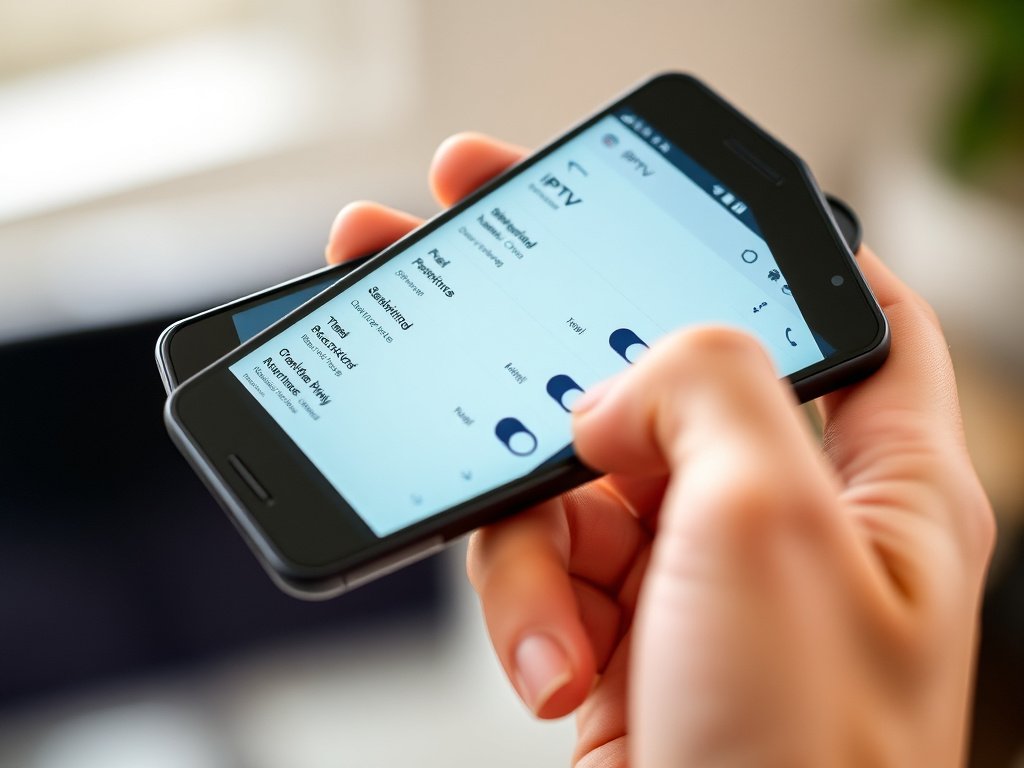
Setting up IPTV Smarters Pro isn’t complicated, but there are a few steps you’ll want to get right from the start. The process varies slightly depending on your device, but the core principles remain the same.
Before you begin, you’ll need your IPTV service credentials. Your provider should give you either an M3U URL, an Xtream Codes API login, or portal credentials. Don’t worry if this sounds technical – it’s simpler than it sounds.
Step-by-Step Installation Process
Here’s how to get up and running quickly:
- Download the app from your device’s official store (check our Download page for direct links)
- Open IPTV Smarters Pro and select “Add User”
- Choose your login method (Xtream Codes API is most common)
- Enter your credentials provided by your IPTV service
- Wait for the playlist to load – this usually takes 30-60 seconds
- Start watching!
Most people get this done in under five minutes. However, if you run into issues, our detailed Installation Guides walk you through device-specific setups for Android, iOS, Fire TV, and more.
IPTV Smarters Pro for Different Devices
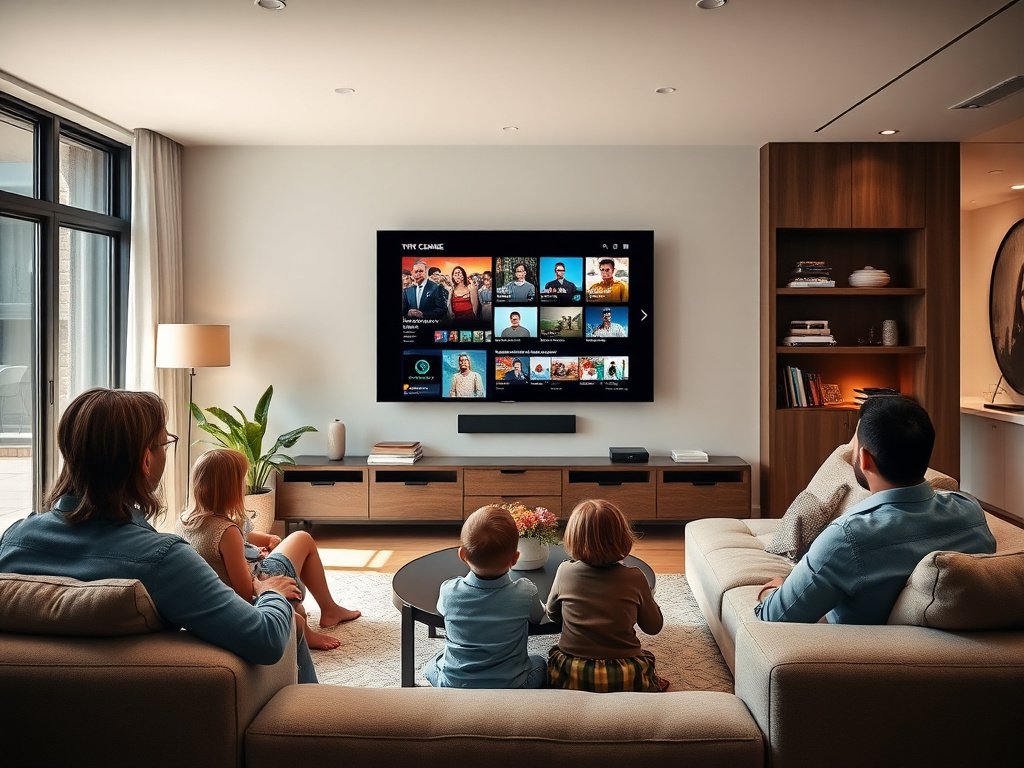
One of the biggest advantages of IPTV Smarters Pro is its cross-platform availability. You’re not locked into one ecosystem, which means you can start watching on your phone and finish on your TV.
The app performs differently depending on your device, though. Let’s look at the main platforms:
| Device Type | Performance | Best For |
|---|---|---|
| Android Phones/Tablets | Excellent | Portability and flexibility |
| Amazon Fire TV/Stick | Very Good | Budget-friendly TV setup |
| iOS (iPhone/iPad) | Excellent | Premium user experience |
| Android TV Boxes | Excellent | Dedicated streaming setup |
| Smart TVs | Good | All-in-one solution |
In my experience, Fire TV devices offer the best bang for your buck if you’re setting up a dedicated streaming system. The interface scales beautifully to TV screens, and navigation with the Fire TV remote feels natural.
For mobile viewing, both Android and iOS versions deliver smooth playback. The iOS version has a slight edge in terms of polish, but the Android version gets updates more frequently.
Customizing Your IPTV Smarters Pro Experience
Now that you’ve got the basics down, let’s make IPTV Smarters Pro work exactly the way you want. The settings menu might look overwhelming at first, but you only need to adjust a few things to dramatically improve your experience.
Essential Settings to Configure
Start with these tweaks right after installation:
Video player settings: Choose between the built-in player or external players like VLC or MX Player. The built-in player works great for most people, but external players can handle unusual video formats better.
EPG preferences: Enable automatic EPG updates so your program guide stays current. Set it to refresh during off-hours (like 3 AM) to avoid interruptions.
Parental controls: If you have kids, set up a PIN code and hide adult channels. You can customize exactly which categories require the PIN.
Furthermore, you can organize your channels into custom groups. This is perfect if you’ve got a huge channel list and only watch a subset regularly. Create groups like “News,” “Sports,” or “Kids” to find content faster.
Troubleshooting Common IPTV Smarters Pro Issues
Even the best apps have occasional hiccups. Here are the problems I see most often – and how to fix them:
Buffering or stuttering playback: This is usually a network issue, not an app problem. Try switching from Wi-Fi to a wired connection if possible. Also, check if your IPTV service is experiencing high traffic.
Playlist not loading: Double-check your login credentials. A single typo in your username or password will prevent the playlist from loading. If everything looks correct, contact your IPTV provider – your subscription might have expired.
App crashes on startup: Clear the app cache through your device settings. On Android, go to Settings > Apps > IPTV Smarters Pro > Storage > Clear Cache. This solves about 70% of crash issues.
EPG not showing: Verify that your IPTV provider includes EPG data with your subscription. Not all providers offer this feature. If they do, make sure the EPG URL is correctly entered in the app settings.
When to Contact Support
Most issues you’ll encounter are service-related, not app-related. Therefore, start by contacting your IPTV provider when something goes wrong. They can verify your account status and check for service outages.
However, if you’re certain the problem is with the app itself – like consistent crashes or features not working – check the app’s support channels or visit the official Google Play listing for update information and developer contact details.
IPTV Smarters Pro Premium Features Worth Considering
The free version of IPTV Smarters Pro offers plenty for most users. But if you’re a power user or want the absolute best experience, the premium version removes ads and unlocks a few extra features.
Is it worth upgrading? That depends on how much you use the app. If IPTV Smarters Pro is your primary entertainment hub, the premium version pays for itself quickly by eliminating interruptions.
You can explore different subscription tiers on our Pricing page to see which option fits your needs best.
Tips for Getting the Most from IPTV Smarters Pro
After helping dozens of people set up IPTV Smarters Pro, I’ve noticed a few tricks that separate casual users from people who really maximize the app’s potential:
Use favorites intelligently: Don’t just favorite channels randomly. Create a system. For example, favorite all sports channels you watch, then use the favorites filter to access them instantly during game time.
Enable notifications: If your IPTV service supports it, turn on notifications for your favorite shows. You’ll get alerts when they’re about to start.
Test different video players: The default player works great, but some streams play better with external players. Spend ten minutes testing options to find your preference.
Keep the app updated: Enable automatic updates on your device. New versions often include performance improvements and bug fixes that enhance stability.
What’s more, take advantage of the catch-up feature if your service offers it. This lets you watch shows from the past several days, essentially giving you a DVR without the hassle of recording.
Security and Privacy Considerations
Let’s talk about something important that often gets overlooked: security. When you’re using IPTV Smarters Pro, you’re entering credentials and streaming content over the internet.
The app itself doesn’t collect or store your personal viewing data. However, your IPTV provider can see what you watch. This is normal for any streaming service, but it’s worth being aware of.
Also, make sure you’re downloading IPTV Smarters Pro from official sources only. There are fake versions floating around that contain malware. Stick to the Google Play Store, Apple App Store, or Amazon Appstore.
Never share your login credentials with anyone. Each person in your household can have their own profile under your subscription, which is much safer than sharing passwords.
Making Your Streaming Setup Even Better
IPTV Smarters Pro works great on its own, but you can enhance your entire streaming setup with a few smart additions:
A quality streaming device makes a noticeable difference. While you can use IPTV Smarters Pro on almost anything, devices like the Fire TV Stick 4K or Nvidia Shield provide the smoothest experience for TV viewing.
Your internet connection matters more than you might think. For HD streaming, you need at least 10 Mbps. For 4K content, aim for 25 Mbps or higher. Run a speed test on your streaming device – not just your main computer – to see what you’re actually getting where it counts.
In addition, consider your network setup. If your Wi-Fi is spotty, look into mesh Wi-Fi systems or, even better, run an ethernet cable to your streaming device. Wired connections eliminate 90% of buffering issues.
Comparing IPTV Smarters Pro to Alternatives
You might be wondering how IPTV Smarters Pro stacks up against other IPTV players. I’ve tested most of the popular options, and here’s my honest take:
IPTV Smarters Pro hits the sweet spot between features and simplicity. Apps like Perfect Player offer more customization but require more technical knowledge. Apps like GSE Smart IPTV have cleaner interfaces but fewer features.
The multi-device support in IPTV Smarters Pro is particularly strong. Many competitors limit you to a specific number of devices or charge extra for additional screens. With this app, you can install it on everything you own.
Customer support and regular updates also set IPTV Smarters Pro apart. The development team actively maintains the app and responds to user feedback, which isn’t always the case with smaller IPTV players.
Your Next Steps with IPTV Smarters Pro
Ready to transform your streaming experience? Start by downloading IPTV Smarters Pro and getting it set up on your primary device. Don’t overthink it – the default settings work perfectly fine while you’re learning.
Once you’re comfortable with the basics, experiment with the customization options. Try different video players, organize your channels, and set up parental controls if needed. The app becomes more valuable the more you tailor it to your preferences.
Remember that IPTV Smarters Pro is just the player – you’ll still need a quality IPTV service to provide the content. Choose a reputable provider that offers reliable streams and good customer support.
If you run into any questions during setup, our comprehensive guides have you covered. From device-specific installation walkthroughs to troubleshooting tips, we’ve documented everything you need to succeed with IPTV Smarters Pro in 2026.